
NoBox Desktop Installation
How to Install and Set Up NoBox Desktop
Installing NoBox Desktop can be done in a few simple steps. In this tutorial, you will learn how to install and set up NoBox Desktop.
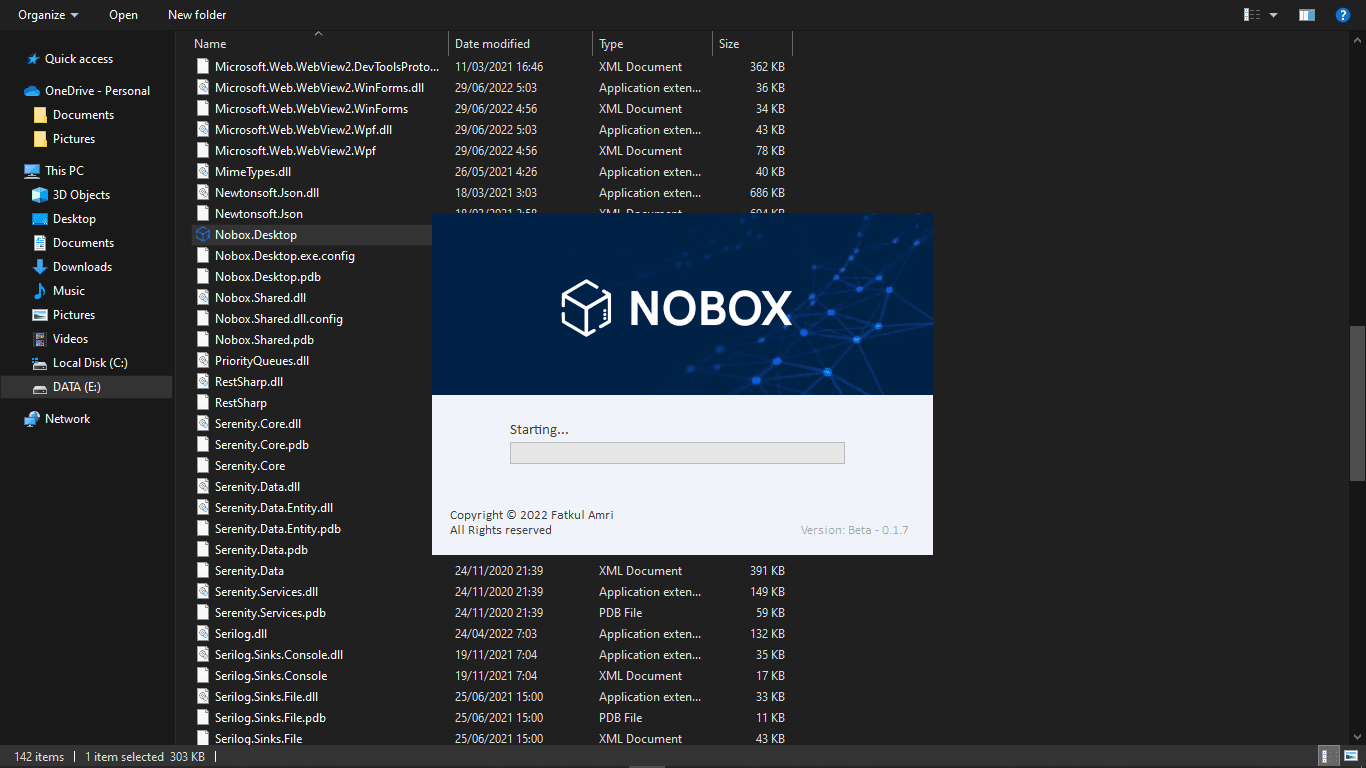
- Download the NoBox Desktop application from Google Drive:
NoBox Release - After the download is complete, extract the folder
- Open the NoboxDesktop ➔ Bin ➔ locate the NoBox Desktop application
- Double-click to launch the application
NoBox Desktop Login
To open NoBox Desktop, log in using the account you previously created on the website
id.nobox.ai.
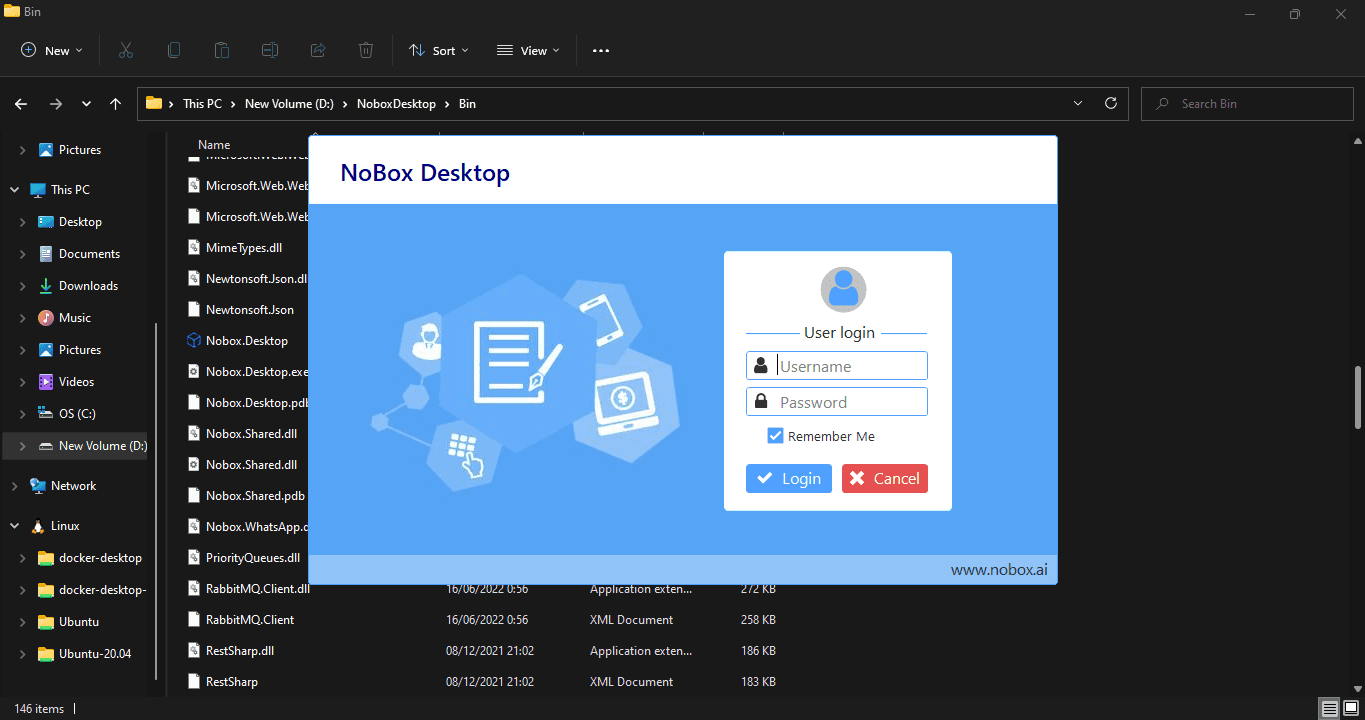
- Open the NoBox Desktop application
- Enter the username and password from your NoBox.AI web account
- If you do not yet have an account, please follow the guide in
Registration - Click Login, and NoBox Desktop will start successfully
Note: NoBox Desktop can only be run on one computer at a time.
Next, you can create automation and extractor accounts. Below are several setup guides you can follow:
If you experience any issues or difficulties related to NoBox Desktop,
please contact us via Support Ticket.