
CRM User Registration
-
Open the website crm.nobox.ai
-
Log in using an existing account, or register a new account by clicking [Register].
-
Enter your Name, Email Address, Password, Company Information, then click [Register].
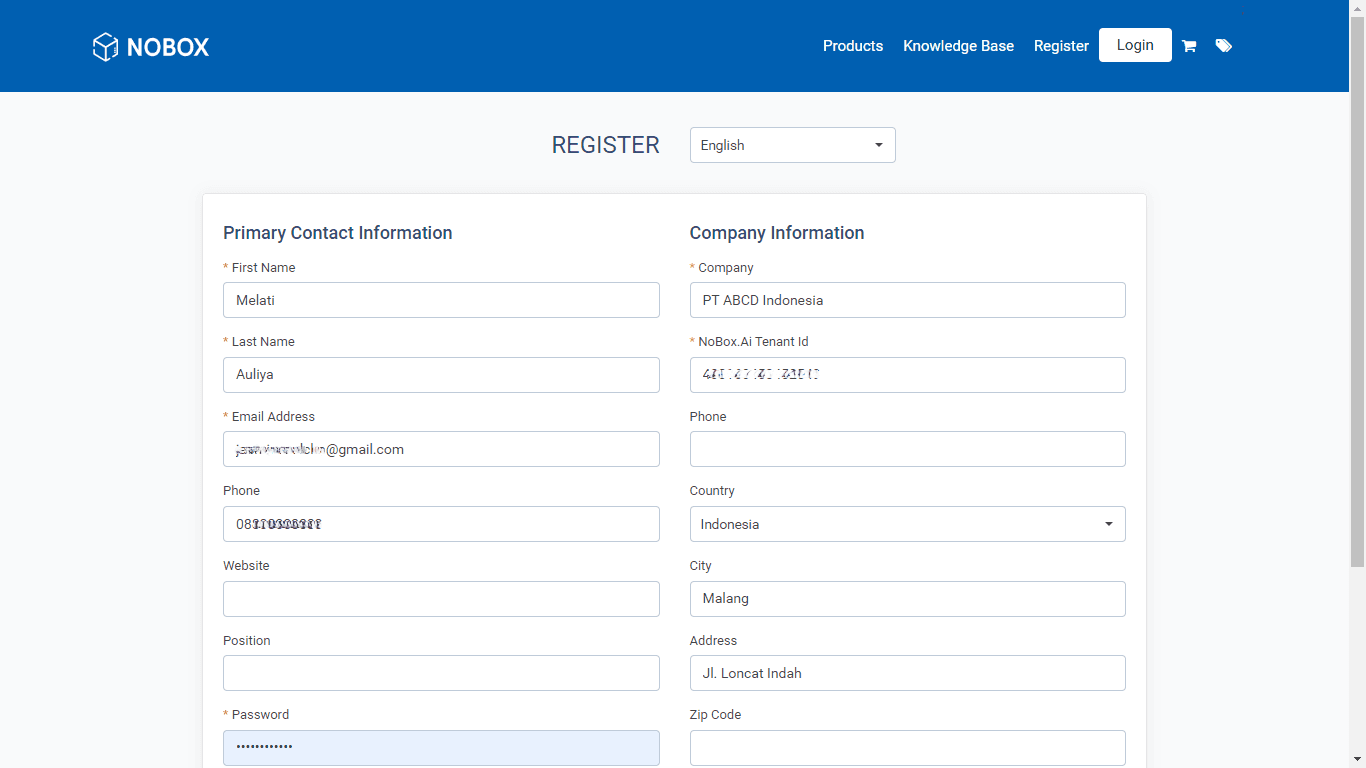
-
After that, a notification will appear indicating that an account verification email has been sent.
-
Open your email inbox and click the verification link. You will be redirected to the NoBox.AI CRM login page.
-
Enter the registered Email and Password to access the main page of NoBox.AI CRM.
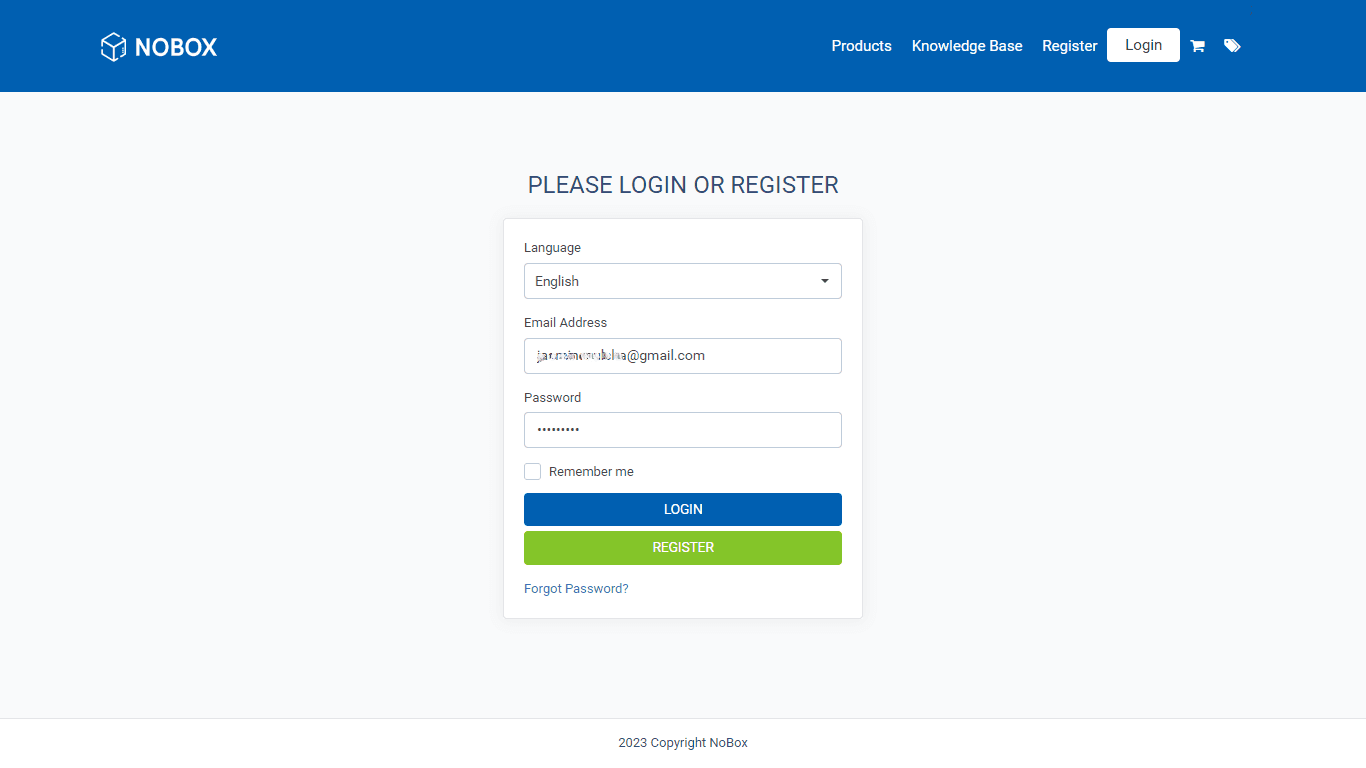
For subscription steps, please refer to the following guide:
How to Subscribe
If you experience any issues or difficulties related to NoBox,
please contact us via Support Ticket.